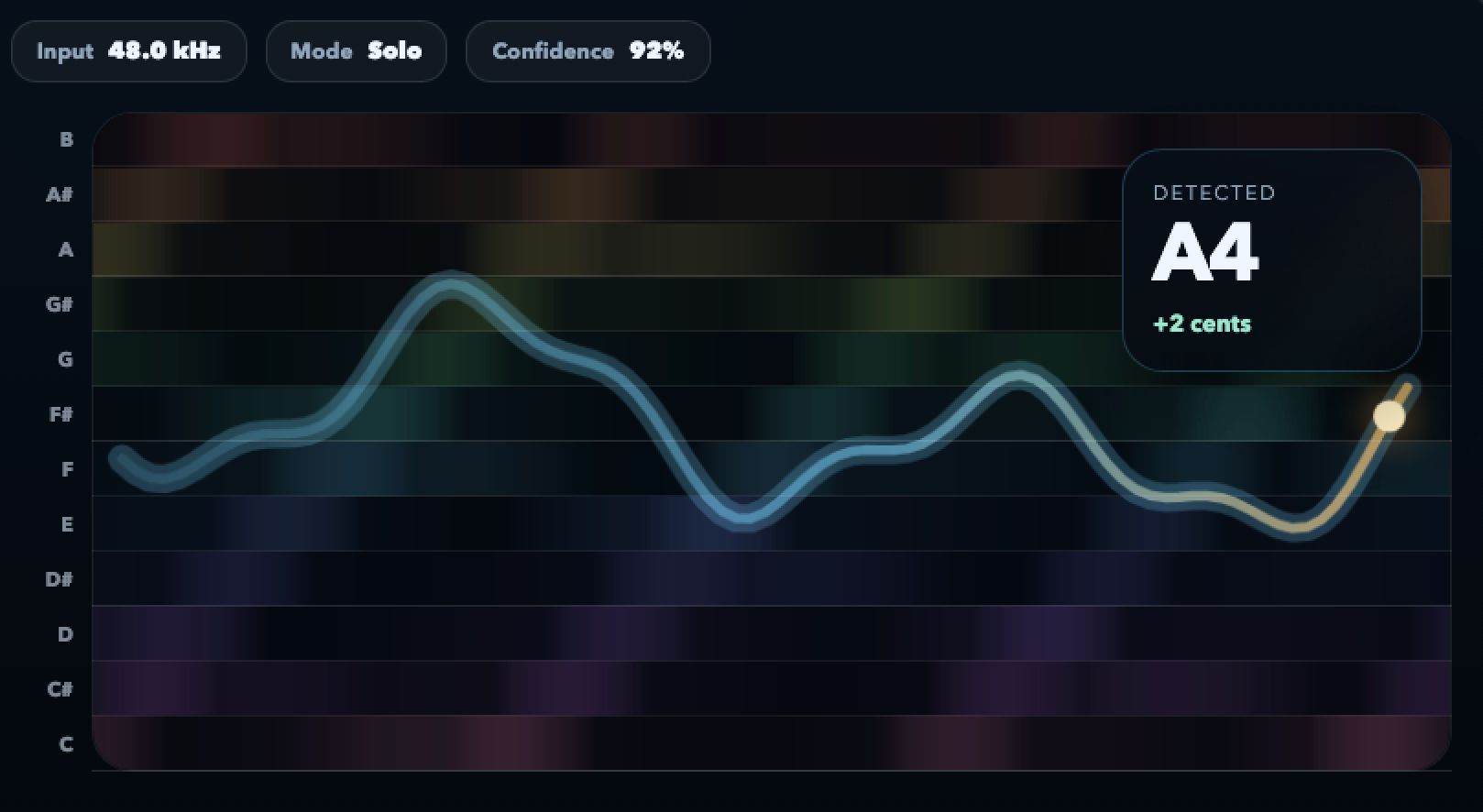
The chord name appears as you strum or hold the keys — no lag between playing and reading.
Online chord detector
Play a chord. See its name. Move on.
Fiume recognises chords from live audio — guitar, piano, ukulele, whatever you are playing — and writes the name on screen in real time. Figure out songs by ear, check voicings, transcribe progressions, all in one browser tab.
Free in your browser. Audio stays on your device.
The common qualities plus slash chords and basic extensions. Good enough for 95% of songs.
Laptop mic, phone mic or an audio interface. The detector handles whatever signal you give it.
Detection runs in-browser. No sign-up, no upload.
Why detect, not just look up
Recognition is faster than a chord chart
Chord charts live on someone else’s timeline. A live chord detector shortens the loop between your ear and the name on the page.
Figure out a song by ear
Play a chord from memory or by copying a recording. The detector writes down what your fingers actually produced.
Confirm a voicing
You think that shape is a Cmaj7 — is it really, or did you accidentally lift a finger and play Em? The screen tells you instantly.
Transcribe progressions
Play a loop of four chords. The detector labels each one as you cycle through, so you can write the whole progression in one pass.
Who uses it
Situations Fiume’s chord detector is built for
Guitarists, pianists, songwriters, teachers — whenever naming what you just played is the bottleneck, this tool removes it.
-
Learning by ear Play along with a track and check that the chord you landed on is actually the right one.
-
Songwriting Catch an interesting chord mid-strum and keep its name on screen so you can come back to it later.
-
Piano voicings Test inversions and rootless voicings. The slash name tells you which bass note landed on top.
-
Guitar self-study Practice chord vocabulary and get instant confirmation when you nail a 7th, a sus or an add9 cleanly.
-
Teaching theory Demonstrate how a progression changes when one note shifts. The chord name updates live as you re-voice.
-
Jam-session prep Quick check that you know the chords to that tune before you show up to the session.
How to use it
Three steps to a working transcription
Small loops work better than whole songs. Confirm each chord, move on.
-
1
Open the detector
Allow microphone access in your browser. The page starts listening right away.
-
2
Play one chord at a time
Strum or hold the chord long enough for the label to stabilise — usually a second. Short stabs will flicker between candidates.
-
3
Write it down, move on
Once the name is steady, note it and move to the next chord. Cycle through the progression at your own tempo.
FAQ
Chord detector questions, answered
Why does it flicker between two names?
Short stabs give the engine less information. Hold the chord for a full second to let it settle — accuracy improves significantly.
Does it recognise jazz chords?
Common 7th and extended voicings are handled. Very dense chords (with many tensions stacked) may simplify to the nearest core quality.
Can I use it with a synth?
Yes. Route the synth output to your computer’s mic input or an audio interface. Any polyphonic signal is fair game.
Does it work offline?
The initial load requires a connection. After that, the tab continues detecting chords even if the network drops.
Can I detect chords from a song playing nearby?
Yes, if the audio is clean. Results are best when you play the chord yourself; an ambient mic picking up a full mix will be less accurate.
Is any of this sent to a server?
No. All chord recognition happens in your browser tab. No audio and no labels leave the device.
Stop guessing chord names. Just read them.
Strum, hold, read the label, write it down. That is the whole workflow.
Open chord detectorFree, private, no account needed.